Track every product. Automate the sale.
One public catalog for all your SaaS products, with subscriptions, onboarding, support, and API access built into the same flow.
- 6+
- Product types
- 24/7
- Cloud-ready ops
- API
- Versioned access
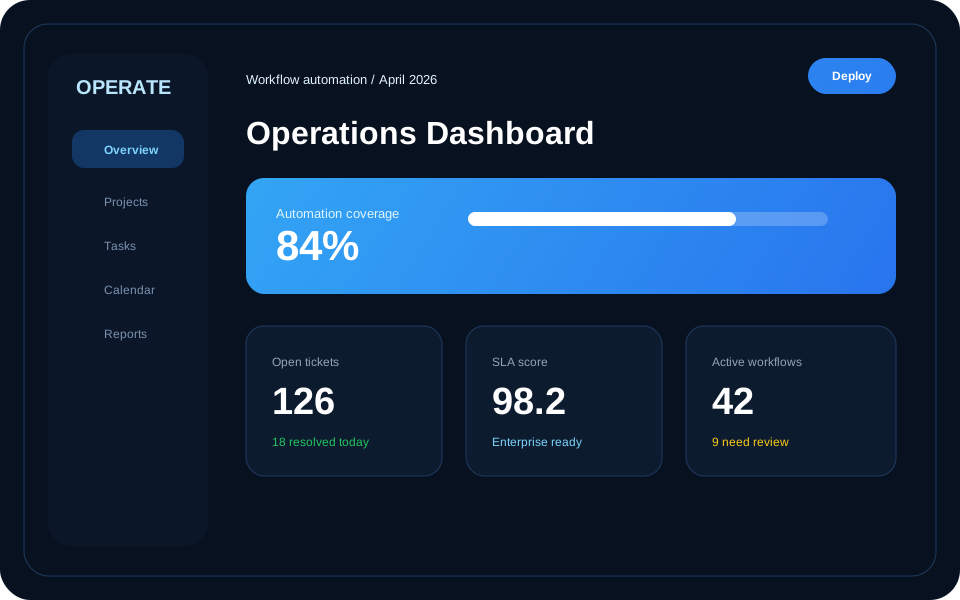
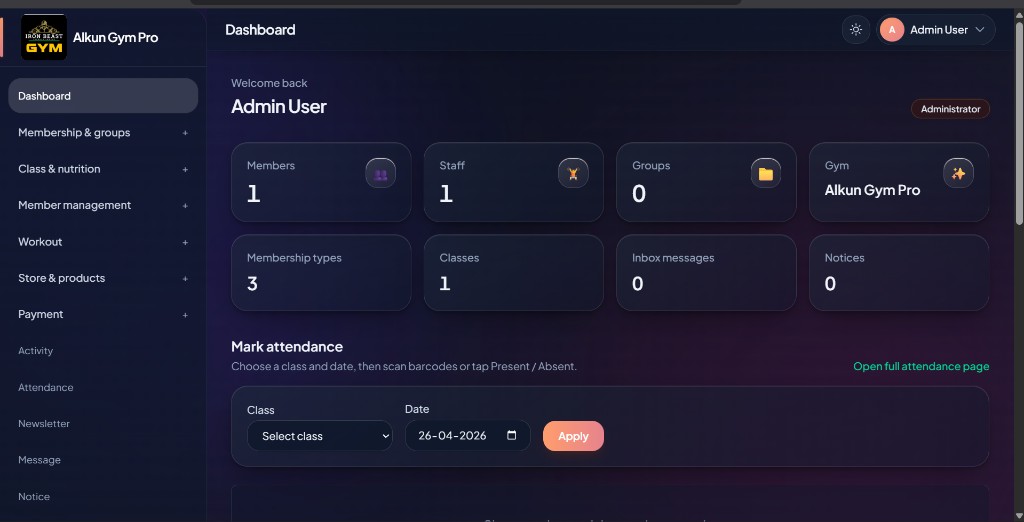
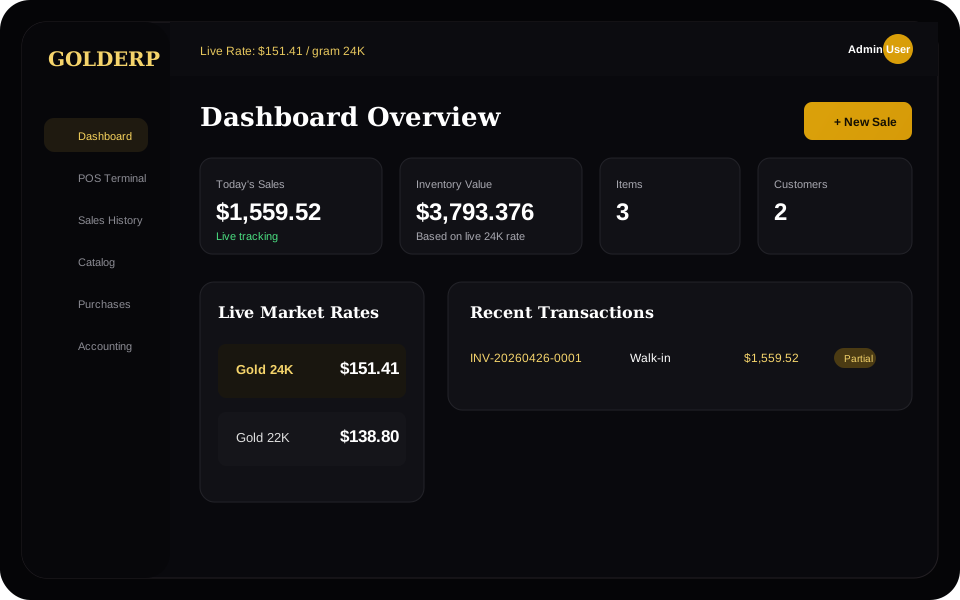
Dashboard variations
ERP, Ops & CRM ready
Built for teams selling and running multiple SaaS products
Features
The best parts of a SaaS selling site, ready to go
A public catalog, plan discovery, secure checkout, onboarding, and support all connect into one Laravel-backed platform.
Sell multiple products
Show ERP, HMS, CRM, retail, or any future product under a single brand and routing system.
Capture and convert leads
Demo and contact flows are built in, so every public page can push visitors toward sales.
Deliver after checkout
Customers can access subscriptions, invoices, support tickets, onboarding, and credentials.
One dashboard
The easiest possible way to manage your SaaS portfolio
Your product, billing, inquiry, and support operations sit in a single admin-ready foundation instead of scattered landing pages and disconnected forms.
Plan-aware product pages
Each product can show its own story, features, gallery, and subscription options.
Checkout and customer portal
PayHere checkout and your account area keep customers self-serve after they pay.
Reusable public content
FAQ, blog, testimonials, and portfolio pages give the brand depth beyond one sales page.
How it works
A simple public journey from visitor to customer
The page is structured like a modern SaaS funnel: explain the promise, show the product, answer concerns, and make conversion obvious.
Discover the right product
Visitors scan benefits, categories, products, and social proof before entering the catalog.
Choose plan or request demo
Buyers can move directly to pricing, ask for a demo, or contact the team for a custom fit.
Subscribe and onboard
After checkout, the buyer dashboard handles invoices, tickets, onboarding, and credentials.
Catalog
Products built for operations
Pick a solution that fits your stack. Each product can have its own plans, screenshots, and checkout path.
Proof
Designed for buyers who need confidence before they click
“Alkun’s suite simplified our stack.”
FAQ
Common questions before getting started
Can this sell more than one product?
Yes. The catalog and pricing model are built around multiple products, each with its own category, features, plans, and checkout metadata.
Can real screenshots replace these visuals?
Yes. Replace the SVGs in public/images/landing with product screenshots and keep the same Blade image paths or filenames.
What happens after checkout?
Customers can use the buyer dashboard for subscriptions, billing portal access, invoices, onboarding requests, support tickets, and encrypted credentials.
Ready to launch
Make Alkun One feel like a premium SaaS brand
Use this as the public storefront now, then swap in real dashboard screenshots as each product matures.